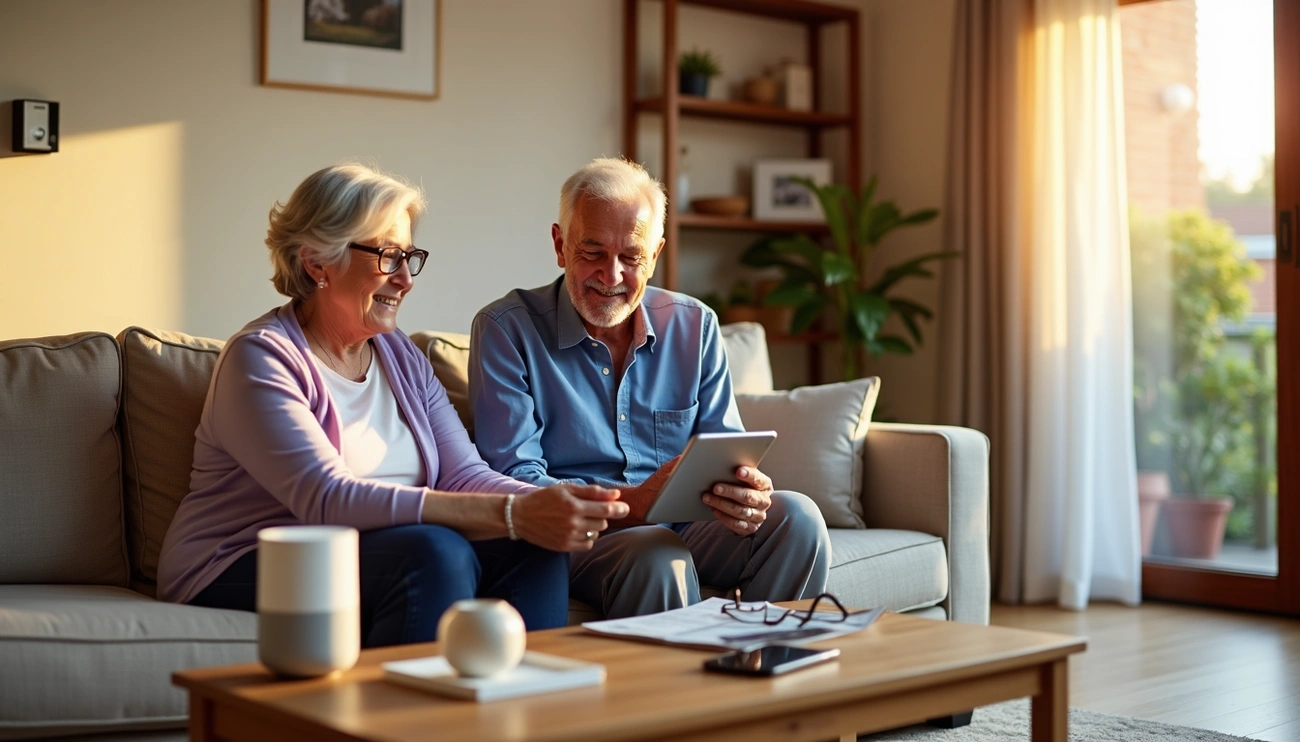
Finding ways to help your elderly parents stay safely in their own home can be challenging. Currently, 75% of Americans ages 50 and older plan to age in place at home. However, more than one in four people 65 and older fall each year, making home safety a primary concern for families.
Smart home technology offers practical solutions to address these safety concerns. Modern devices range from monitoring systems and wearable technology to safety devices that provide real-time alerts. These tools can help your parents maintain their independence while giving you greater peace of mind about their well-being.
This guide provides step-by-step instructions for creating a safer, smarter home environment for your elderly parents.
Understanding Smart Home Technology for Seniors
What Makes a Home Smart and Safe
A smart home is “a home equipped with lighting, heating, and electronic devices that can be controlled remotely by phone or computer”. These devices connect to your home’s internet, forming what’s known as the internet of things (IoT). You can manage them through smartphone apps, computers, and voice commands.
Smart home technology for seniors includes a range of helpful devices:
- Voice assistants for hands-free control
- Security cameras and video doorbells
- Smart locks and automated lighting
- Thermostats and motion sensors
- Medication dispensers and smart plugs
- Window treatments and monitoring systems
The industry addresses compatibility concerns through a technical standard called Matter, supported by Amazon, Apple, Google, and Samsung, which allows different devices to work together seamlessly.
Why Your Elderly Parents Need These Devices
The statistics reveal compelling reasons for smart home adoption. About 9 in 10 older people want to stay in their homes as long as possible. Currently, 24% of people 65 and older have a home security system, and 34% own at least one smart device besides a smart speaker. By 2025, more than 20% of the population will reach retirement age, and almost 50% of total US households will be smart home device households. The global smart home device market is expected to top $165 billion by 2025.
These numbers reflect practical needs. Seniors with limited mobility benefit from remote appliance control and voice activation. Those experiencing memory challenges receive automated reminders for medications and daily tasks. Safety concerns remain significant, given that falls caused over 38,000 deaths in 2021 alone. Smart home devices address these challenges directly.
The Real Benefits Beyond Just Safety
Smart home technology offers advantages that extend beyond basic safety features:
- Enhanced Independence: Voice-activated technology proves particularly useful for older adults with mobility disabilities, allowing them to control their environment without physical strain
- Simplified Daily Routines: Automated routines enable seniors to execute several actions with one command, maintaining their usual patterns while feeling secure
- Health Monitoring: Remote patient monitoring systems track vitals and share data with healthcare providers, enabling attentive care delivered at home
- Social Connection: Voice assistants offer companionship through music, news updates, and hands-free communication with family members
Wearable technology includes heart rate monitors, blood oxygen sensors, and sleep trackers that provide early warning signs of health changes. This addresses social isolation, which can prove detrimental to senior health.
For family caregivers, safety devices provide significant relief. An elderly monitoring system provides 24/7 connection when caregivers cannot be present in person. Motion sensors, door sensors, and cameras collect activity data and alert caregivers to changes or emergencies. This round-the-clock monitoring offers peace of mind for families managing care from a distance.
Step 1: Assess Your Parents’ Specific Needs and Current Home Setup
Understanding your parents’ current situation comes first. A thorough assessment prevents purchasing devices they won’t use and identifies the safety features that matter most.
Evaluate Daily Activities and Challenges
Observe how your parents handle everyday tasks during your visits. Activities of Daily Living (ADLs) include basic survival tasks such as dressing, bathing, grooming, using the toilet, moving in and out of bed or a chair, and eating. Instrumental Activities of Daily Living (IADLs) refer to activities for maintaining a household and an independent life such as cooking, cleaning, laundry, sewing, and similar tasks.
Warning signs during visits require attention. Unkempt appearance, unexplained bruises, rapid weight loss, or piles of unopened mail signal declining abilities. Note whether they struggle with medication management, meal preparation, or personal hygiene. These observations determine which smart home devices for seniors will provide the most support.
Check Existing Technology Comfort Levels
Technology comfort varies significantly among older adults. Assess their current usage through observation and conversation. Do they use smartphones, tablets, or computers regularly? Can they navigate apps independently?
Getting older is the main reason 49% of survey respondents cited for using assistive or health-related technologies, followed by mobility impairment at 28% and hearing impairment at 22%. However, 70% of non-users simply believed they didn’t need the technology yet. Understanding this mindset helps you introduce wearable tech for elderly and other devices gradually.
Identify High Risk Areas in the Home
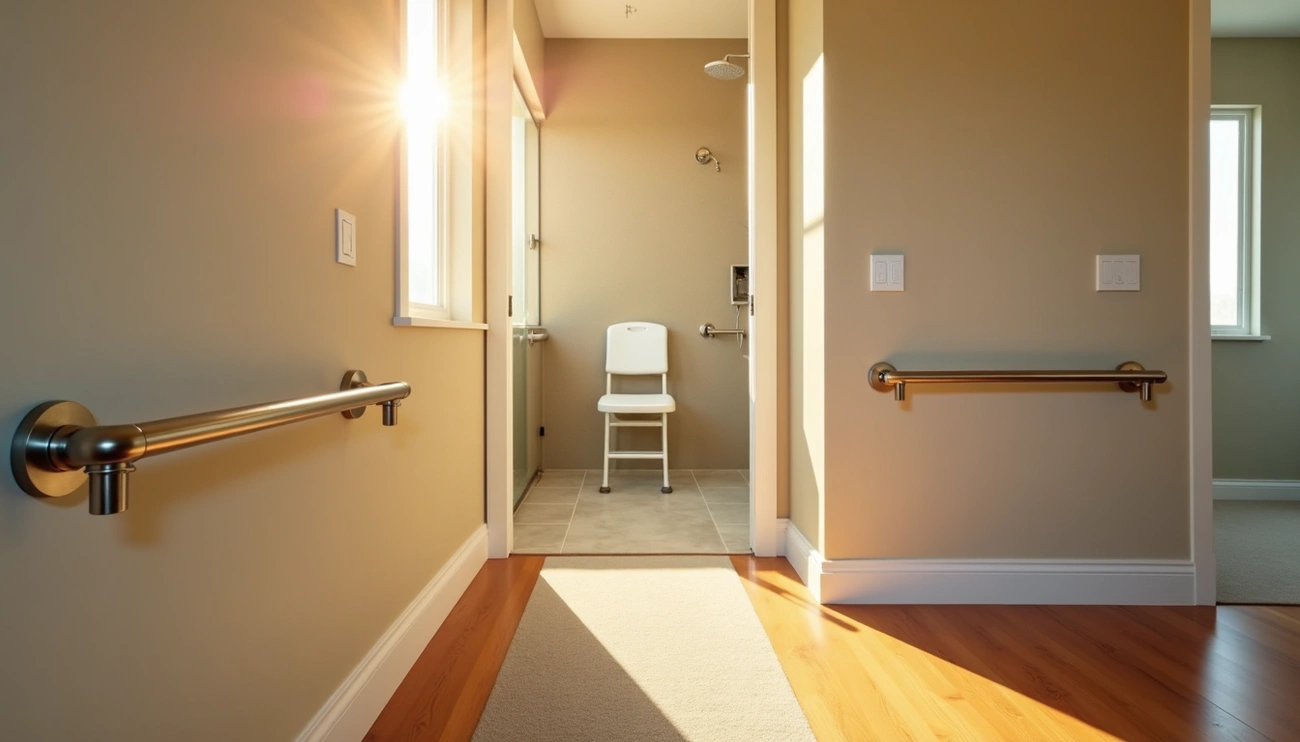
Falls are the leading cause of injury for older adults. The bathroom poses the greatest danger, with 235,000 people going to the ER each year for bathroom falls, and 14% requiring hospitalization. Stairs rank as another critical trouble spot, requiring balance, lower body strength, good depth perception, and endurance.
Walk through each room using a safety checklist. Check for loose rugs, cluttered pathways, inadequate lighting, uneven steps, missing handrails, and slippery surfaces. The kitchen presents risks beyond falls, including burns and cuts from food preparation.
Consider Future Mobility and Health Changes
Planning ahead prevents crisis situations. The CDC MyMobility Plan helps adults prepare for future mobility changes. Participants who received this planning tool were significantly more likely to check their homes for fall hazards at 90% versus 61% for those without the tool.
Consider potential health conditions based on family history. One participant with a family history of stroke increased motivation to monitor blood pressure, leading him to adopt a blood pressure monitor. This forward-thinking approach ensures your elderly monitoring system grows with their changing needs.
Step 2: Choose Essential Safety Devices for Seniors
After assessing your parents’ needs, you can select safety devices that address their specific challenges while remaining simple to operate. Focus on devices that provide immediate benefits without overwhelming complexity.
Emergency Response Systems and Wearable Technology
Medical alert systems, also called personal emergency response systems, connect seniors to help during emergencies. Average response times range from 8 to 30 seconds. Medical Guardian offers the fastest average response time at 29 seconds, followed by LifeStation at 27 seconds. Monthly fees typically start at $20 to $50, with no long-term contracts in many cases.
Wearable options include:
- Pendants and wristbands with automatic fall detection and GPS location detection
- Smartwatches like the UnaliWear Kanega Medical Alert Watch that connects to live operators through button press or voice commands
- Non-wearable systems such as Alexa Emergency Assist, which costs $6 per month or $59 per year and connects to live responders through your Echo speaker
LifeFone devices offer the longest battery life at 10 full days, reducing maintenance concerns for seniors who may forget to charge devices regularly.
Smart Cameras and Monitoring Systems
Elderly monitoring systems provide a straightforward way to check on your loved one’s well-being from a distance. These systems offer peace of mind when your loved one lives alone, promptly alerting you to potential issues or emergencies.
Popular monitoring options include:
- Nest Cams for remote checking with alerts on detected activity throughout the day
- Samsung SmartThings motion sensors that monitor movement in various rooms and track your loved one’s activity patterns
- Vivint’s smart home suite combining indoor and outdoor cameras, smart locks, and thermostats in one system
Fall Detection and Motion Sensors
Fall detection technology uses accelerometers to detect speed, barometers to detect pressure, and algorithms to differentiate between real falls and false alarms. When a fall is detected, the device calls the monitoring center and may connect you to caregivers.
Motion sensors detect activities in various rooms and alert you when expected movement doesn’t occur. This absence of expected motion serves as a crucial early warning system. The technology monitors movement patterns, only alerting you when something deviates from normal routines.
Automated Lighting to Prevent Accidents
Insufficient lighting contributes significantly to fall risk, with approximately 60% of older people toileting at least twice a night. Automated LED strips installed along baseboards activate via motion sensors, lighting up for 30 seconds after motion detection.
Research shows visual-cue lighting can reduce nighttime falls among older adults by more than 30%. During a yearlong study, falls were reduced by 34% in rooms with doorframe lighting systems. This represents one of the most cost-effective safety improvements you can make.
Step 3: Add Communication and Convenience Smart Home Devices for Seniors
Safety devices address immediate concerns, but communication tools and automated conveniences can significantly improve your parents’ daily quality of life.
Voice Activated Assistants for Hands Free Control
Voice assistants eliminate the need for typing, reading small screens, or operating handheld devices. The popularity of these systems continues to grow rapidly, with personal voice assistants worldwide expected to double from 4.2 billion units in 2020 to 8.4 billion by 2024. Currently, about 29% of adults ages 50 and over have adopted digital assistants.
Apple Siri, Amazon Alexa, and Google Home offer information and entertainment functions that integrate seamlessly into daily routines. For seniors with limited mobility or vision challenges, voice commands provide control over their environment without physical strain. These devices can serve multiple functions:
- Health assistance: Providing dietary information and answering health questions
- Social connection: Reducing loneliness through music, news, and communication features
- Fitness support: Encouraging participation in physical activities through guided programs
Smart Locks and Video Doorbells
Smart locks solve the common problem of fumbling with keys or forgetting to secure doors. Fingerprint recognition works particularly well for seniors, requiring no memory of codes and accommodating those with dexterity issues. Auto-lock features secure doors automatically after a set period, eliminating concerns about forgetting this important safety step.
Video doorbells have become increasingly popular, with more than 28 million households, about 22% of U.S. homes, owning at least one device. The two-way microphone allows seniors to speak with visitors safely without opening the door, providing both security and convenience.
Medication Dispensers and Health Monitoring
Medication management becomes crucial when you consider that 40% of older adults live with memory impairments. Automatic dispensers store medications in locked compartments and release them on schedule with audio or visual reminders. When doses are missed, these systems send smartphone alerts to designated caregivers, ensuring timely intervention.
Smart Thermostats and Climate Control
Smart thermostats adapt to occupancy patterns and allow remote temperature adjustments through smartphone apps or voice commands. You can monitor and control your parents’ home environment even when you’re not present, ensuring their comfort while managing energy costs effectively.
Step 4: Install and Set Up Devices Properly
Proper installation determines whether your technology becomes helpful or creates frustration for your parents. A systematic approach ensures each device functions as intended.
Start Small with One or Two Devices
Begin with just one or two devices to avoid overwhelming your parents. Voice assistants like Amazon Alexa or Google Assistant make excellent starting points. Family members should help with the original setup, including installing the smartphone app and configuring basic features.
Consider enlisting professional help if you lack technical expertise. Caregivers or professional installation services can assist with device management and initial configuration. After setup, most systems require minimal attention beyond routine maintenance tasks like medication refills.
Ensure Strong WiFi Coverage Throughout the Home
Reliable internet connection throughout the home is essential for smart home technology. A professional site survey can identify signal strength, interference issues, and device density to prevent under-serving certain areas.
Equipment selection should prioritize reliability and future growth. Consider these factors:
- WiFi 7 or newer access points handle higher device density
- Battery backups for network equipment ensure continuity during power outages
- Central placement and careful channel planning reduce interference
Link Devices to a Central Hub
A central hub connects and coordinates all smart home devices, acting as a command center. Without a hub, each device requires its own app, which can quickly become overwhelming.
The hub provides several important benefits:
- Unified platform control across all devices
- Local processing for faster response times
- Complex automation scenarios
- Reduced WiFi strain
- Single interface management
Modern hubs process information locally, ensuring actions happen instantly without waiting for cloud servers.
Test Each Device with Your Parents
Conduct thorough testing after installation. Run speed and roaming tests to verify performance. More importantly, test each device with your parents present. Walk them through basic operations and observe their comfort level with the technology.
Set Up Emergency Contacts and Notifications
Configure devices to automatically contact relatives or emergency services when needed. Create a family messaging group for quick coordination during emergencies. Review contact information every few months and test alarm systems monthly to ensure they function properly.
Step 5: Train Your Parents and Maintain the System
Proper training determines whether your technology becomes helpful or ends up gathering dust. While 73% of seniors say they need help when setting up or using new electronic devices, effective training can turn initial hesitation into daily confidence with their devices.
Make Technology Simple and Accessible
Choose devices that require minimal interaction from your parents. For successful adoption, technology should work almost flawlessly without constant input from users. Voice commands for basic functions like turning on lights or checking the weather provide excellent starting points before moving to more complex features.
Create Easy Reference Guides
Write clear, step-by-step instructions for each device and keep them nearby. DOROT offers comprehensive tech guides with detailed instructions for teaching older adults to use Zoom, email, and other functions. Print these guides in large, clear text and place them next to the corresponding devices for quick reference.
Schedule Regular Check-ins and Updates
Check how your parents are adapting to their new devices on a regular schedule. Daily check-in apps like Snug send automated messages asking if they’re okay, then alert emergency contacts if no response is received. These apps provide ongoing connection points to ensure your loved ones never feel isolated.
Address Privacy Concerns Openly
Privacy worries represent a major barrier to smart home technology adoption among seniors. Take time to explain what information each device collects, who can access that data, and how to adjust privacy settings to protect personal information. Open discussion about these concerns helps build trust in the technology.
Plan for Professional Support When Needed
Senior Planet operates a Technology Helpline and offers free online classes for older adults. Cyber-Seniors provides free technology support and training services. Sometimes, despite your best efforts, resistance to new technology persists, and professional help may be the best solution.
Bottom Line
Creating a smart, safer home for your elderly parents requires careful planning and gradual implementation. Start with devices that address their most pressing safety concerns, whether that’s fall prevention, medication management, or emergency response capabilities.
The technology options we’ve explored can help reduce common risks while supporting your parents’ desire to remain independent. Voice assistants simplify daily tasks, automated lighting prevents nighttime falls, and monitoring systems provide peace of mind when you can’t be there in person.
Success depends on involving your parents in device selection and providing patient training. Choose simple, reliable options that work consistently without requiring constant interaction. Regular check-ins help you adjust settings and add features as their needs change.
Remember that each family’s situation is different. What works for one senior may not suit another, so focus on solutions that match your parents’ specific challenges and comfort level with technology.
FAQs
Q1. What devices should I start with when creating a smart home for my elderly parents? Begin with one or two simple devices like voice assistants (Amazon Alexa or Google Home) or automated lighting systems. These require minimal interaction and provide immediate benefits. Starting small prevents overwhelming your parents and allows them to build confidence before adding more complex technology like smart locks or medication dispensers.
Q2. How can I monitor my elderly parents remotely without invading their privacy? Use motion sensors that track activity patterns and alert you only when something unusual occurs, rather than constant video surveillance. Daily check-in apps send automated messages asking if they’re okay and notify you only if they miss a response. Always discuss what data is collected, who has access, and adjust privacy settings together to respect their independence while ensuring safety.
Q3. What makes a home “smart” for seniors? A smart home uses internet-connected devices that can be controlled remotely through smartphones, computers, or voice commands. For seniors, this includes voice assistants, automated lighting, smart locks, video doorbells, medication dispensers, motion sensors, and emergency response systems that work together to enhance safety and independence.
Q4. How do I ensure my parents will actually use the smart home technology I install? Involve them in device selection decisions and choose technology that matches their current comfort level. Provide hands-on training, create easy-to-read reference guides in large print, and place instructions near each device. Test everything together and schedule regular check-ins to address concerns. Most importantly, select devices that work almost flawlessly without requiring constant interaction.
Q5. What are the most important safety features to include in a smart home for elderly parents? Essential safety features include emergency response systems with fast response times (under 30 seconds), fall detection devices, motion sensors to monitor daily activity patterns, and automated lighting to prevent nighttime falls. Smart cameras and video doorbells add security, while medication dispensers with reminder alerts help manage health needs effectively.